bklim5
Playing with the best rosetta art I have ever made so far :D ☕️

 A Mac menu-bar app · macOS 15 or later
TinkerShot puts your screenshot on a background, adds padding, a shadow or a device frame, and copies it back to your clipboard. On your Mac, offline.
Coming soon to the Mac App Store
See it where it’s shared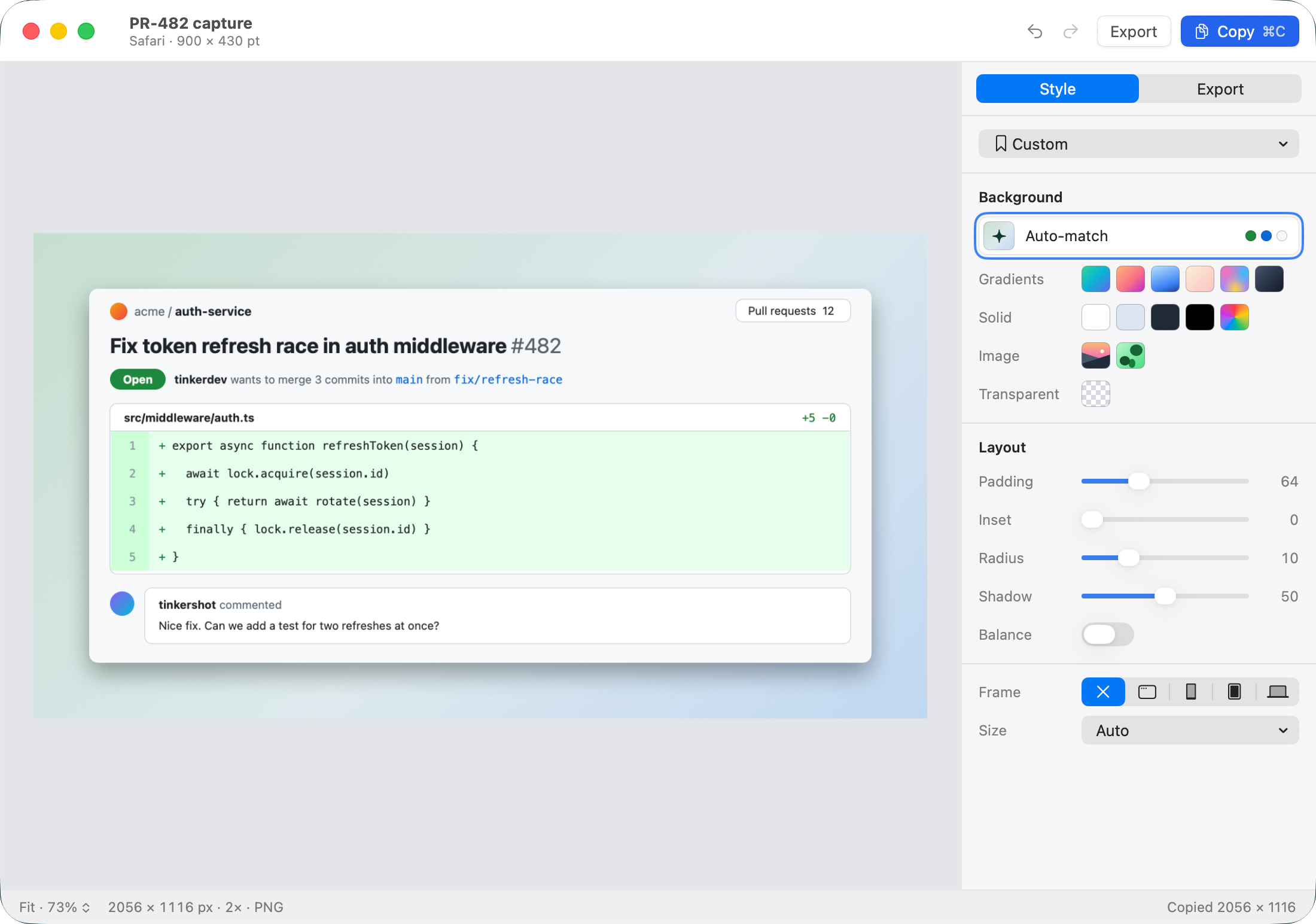
How it works
TinkerShot waits in your menu bar until you need it.
Drag over what matters, or pick a window. An image you already have works too.
A background, room around the edges, soft corners, a shadow. Auto-match takes its colours from your screenshot.
Copy it and paste it into a pull request, a chat, a doc or a post. At Auto size the pixels stay 1:1, so text stays sharp.
Share it
A post, a pull request, a team chat. Real TinkerShot exports, shown where they end up.
bklim5
Playing with the best rosetta art I have ever made so far :D ☕️
A real post by @bklim5, styled in TinkerShot.
tinkerdev
Lock added around the refresh. Here’s the change:

Auto-match, padding, radius and shadow. The sample content is made up.
# auth-service
A terminal on Auto-match. The sample content is made up.
Features
Real exports. Tap or click a picture to switch.
A background built from the colours already in your screenshot.


Evens out the margins around your content, so the shot sits in the middle.


A Mac window, a phone, a tablet or a laptop. Drawn by the app, light or dark.


X, LinkedIn, Instagram, Threads, YouTube thumbnails, or any custom size.


Save the look you use every day and apply it in one click. Clean comes built in.


Out of the way until you need it.
Privacy
TinkerShot can’t connect to the internet: macOS’s sandbox gives it no network access. No account. No analytics. No cloud.
Read the privacy policyPricing
$0
$4.99 once
Price shown in USD; the App Store shows the price in your local currency. Pricing details
FAQ
No. It has no network access.
macOS 15 or later.
No. One purchase, $4.99, removes the watermark for good.
macOS requires it to capture the screen. Pasting, opening and dropping images work without it.
PNG, at 1×, 2× or 3×.
CleanShot X does far more capture and annotation. TinkerShot does one job: making a screenshot look good, offline, for one price. See the comparison.
Snap it. Style it. Share it.
Coming soon to the Mac App Store
Requires macOS 15 or later.
